An independent Australian magazine about Mac software: the tools worth installing, the fixes worth knowing, and the shareware era that shaped the platform.
Mac software, fixes and history, read in Australia
Independent Australian magazine about Mac software, fixes and history

Three departments
Choose the tools, keep the machine, read the record
Each department opens with an index of its guides. Pick the software questions, the maintenance bench, or the shareware history of the platform and of this domain.
- 01
Software and Tools
Choosing the tools a working Mac runs on: database clients, schedulers, automation, and the safety registers a small business keeps.
- 02
The Workshop
The hands-on corner: the Terminal without fear, a calm checklist for a slow machine, and backups rehearsed before they are needed.
- 03
Shareware and History
The long memory: the shareware era, the small publishers who shipped by mail, and the twenty year story of this domain.
Department 01 · Software and Tools
Software and Tools
Choosing the tools a working Mac runs on: database clients, schedulers, automation, and the safety registers a small business keeps.
Software and Tools
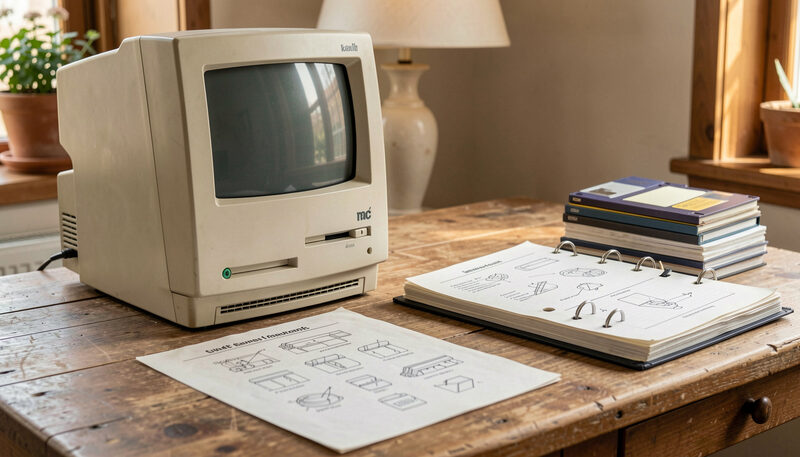
SyBrowser and the Mac Database Browser
A look back at SyBrowser, the Mac SQL browser published here from 1999, and what the database client category looks like on macOS today.
Twenty years of Mac SQL browsing, from 1999.

Software and Tools
MacAT and Scheduled Tasks on a Mac
MacAT brought cron-style scheduling to classic Mac servers. Here is what it did, and how launchd, Automator and Shortcuts do the job now.
Cron-style scheduling for classic Mac servers.
Software and Tools
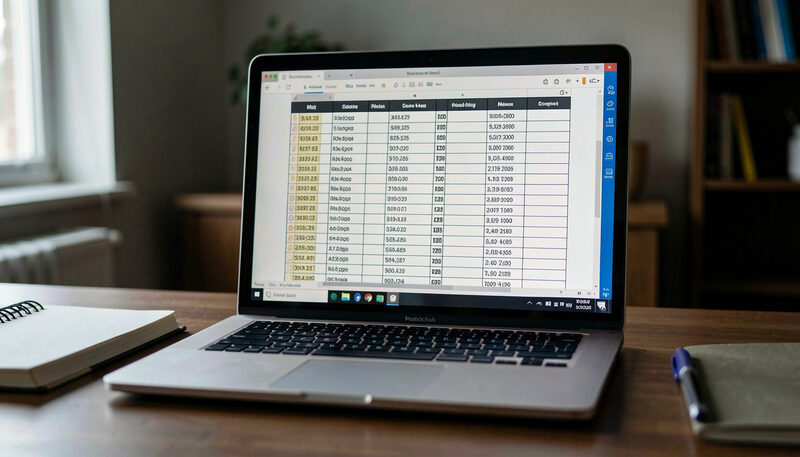
Choosing a Database Client for Your Mac
How to pick a SQL client on macOS: which databases it must speak, native feel versus cross-platform, and the features that matter daily.
Engines, native feel, and the price arithmetic.

Software and Tools
Automating Everyday Work on a Mac
From folder actions to Shortcuts and a little AppleScript: the sane ways to make a Mac repeat the boring steps for you.
Shortcuts, Automator, AppleScript and the shell, each to its job.
Software and Tools
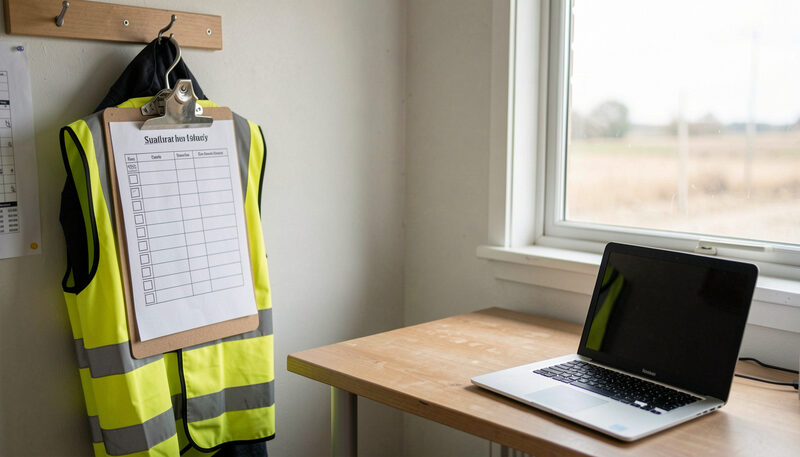
Documenting Workplace Safety With Software
How small Australian businesses keep safety procedures, hazard registers and incident logs in software instead of a paper folder.
Procedures, hazards, incidents and training, linked.
Department 02 · The Workshop
The Workshop
The hands-on corner: the Terminal without fear, a calm checklist for a slow machine, and backups rehearsed before they are needed.
The Workshop
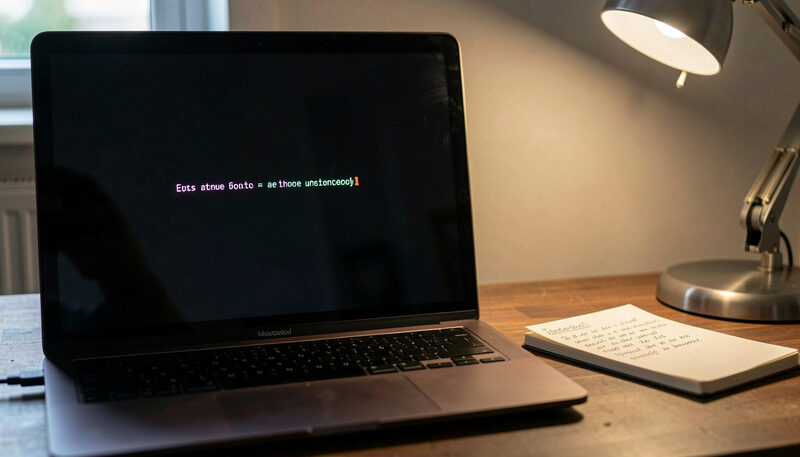
Terminal Basics Every Mac User Can Learn
A gentle first hour in the Mac Terminal: moving around, looking at files, the commands that are safe, and the ones to respect.
Five safe commands and one that deserves respect.

The Workshop
When a Mac Runs Slow
A methodical checklist for a sluggish Mac: disk space, login items, runaway processes, and when hardware is really the limit.
Storage, startup, Activity Monitor: in order.
The Workshop
Backing Up a Mac Properly
Time Machine plus one off-site habit covers most disasters. Here is the setup, the schedule, and the restore drill to rehearse.
Set it up, size it, rehearse the restore.
From the old catalogue
Two addresses kept from the previous tenant
For twenty years this domain was the shopfront of MacSOS of Sydney. Two of its product pages answered questions this magazine still answers, so the guides stand at the same addresses.
Restored address
SyBrowser and the Mac Database Browser
Twenty years of Mac SQL browsing, from 1999.
Restored address
MacAT and Scheduled Tasks on a Mac
Cron-style scheduling for classic Mac servers.
Department 03 · Shareware and History
Shareware and History
The long memory: the shareware era, the small publishers who shipped by mail, and the twenty year story of this domain.
Shareware and History
The Mac Shareware Era
Before the App Store there was shareware: try first, pay by mail, support by email. What that era gave the Mac, and where it survives.
Try first, pay by mail: how the model worked.

Shareware and History
The Story of This Domain
For twenty years this address belonged to MacSOS, a Sydney developer of Mac database, scheduling and safety software. The factual record.
MacSOS of Sydney, 1999 to 2019, from the archives.